
DCAD
Computer Aided Design and Drafting (CADD)
DCAD
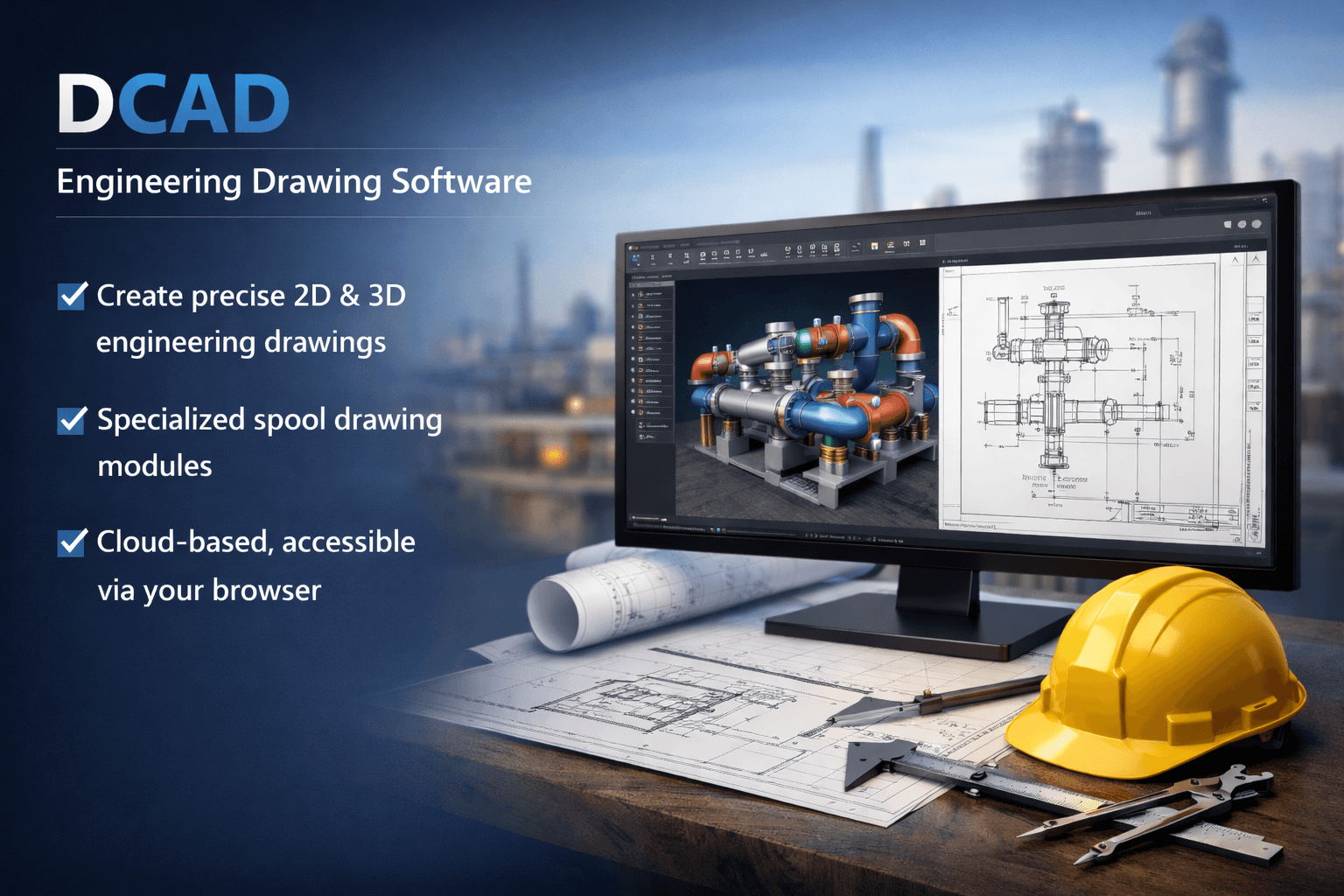
DCAD is a browser-based Engineering Designing and Drafting Software that enables users to create engineering drawings for EPC projects and general purposes.
It supports a range of drawing types and is equipped with tools for both 2D drafting and 3D modeling.
Designed for ease of access and collaboration, DCAD allows users to design and draft directly through a web browser.
Web-Based Design
Drawing Modification Tools
Project & File Management
General Drawing Tools
Comprehensive Drawing Capabilities
Features of DCAD
Drawing Creation Tools
Create detailed 2D and 3D drawings including P&IDs, isometrics, and general arrangements with ease.
Dimensional Settings
Use smart dimensioning tools like vertical, horizontal, angled, radius, and diameter measurement for precision.
Layer Settings & Blocks Creation
Organize complex drawings using layers and reusable blocks for better clarity and control.
Editing & Modification Features
Includes move, copy, cut, delete, mirror and trim tools for rapid adjustment and editing.
3D & 2D Outputs in DWG & PDF
Export designs to industry-standard formats like DWG and PDF for documentation and sharing.
Project & File Management
Manage multiple drawing files and projects with organized search, retrieval and version handling.
Benefits OF DCAD
Browser-Based Accessibility
Create and edit engineering drawings directly in a web browser without any installation, enabling anytime, anywhere access across devices.
Comprehensive Drawing Capabilities
Generate a wide range of drawings including P&IDs, General Arrangement drawings, Spool Isometrics, Loop and System-level piping drawings, as well as structural and equipment detailing with precision.
Faster Design & Editing
Accelerate drafting workflows with standard drawing tools, dimensioning tools, and modification tools like Move, Copy, Trim, and Mirror for quick edits and revisions.
Centralized Drawing Management
Handle large drawing files and multiple drawings per project with ease, supported by file search and retrieval functionalities for better organization and version control.
Advantages of DCAD
Web-Based Design
Create and edit drawings directly in a web browser without any installation, enabling anytime, anywhere access.
Comprehensive Drawing Capabilities
Supports 2D drafting, 3D designing, and routing for isometric drawings. Generates P&IDs (Piping & Instrumentation Diagrams), General Arrangement drawings, Spool Isometrics, Loop and System-level piping drawings, as well as structural and equipment detailing drawings with precision.
General Drawing Tools
Includes standard drawing tools like Line, Polyline, Polygon, Rectangle, Circle (Two-point, Three-point), Arc, and Ellipse for versatile drafting needs.
Dimensioning Tools
Offers vertical, horizontal, aligned, diameter, radius, inner radius, angle, and arc dimensions for accurate measurement and annotation.
Precision Settings
Supports Object Snap, Polar Tracking, Snap Grids, and configurable Unit Settings (Scale, Insertion Scale, Angle) to ensure high accuracy in engineering designs.
Drawing Modification Tools
Includes Move, Copy, Cut, Delete, Mirror, and Trim tools for quick editing and modifications, significantly reducing design time.
Annotation & Commenting Tools
Offers text annotation, cloud shapes, and arrow markers for detailed commenting and communication within drawings, enhancing collaboration across engineering teams.
Block & Layer Management
Supports block creation and layer settings for better drawing organization, visibility control, and standardized engineering practices.
Export Options
Export drawings in DWG and PDF formats for seamless sharing, documentation, and client handover.
Project & File Management
Handles large drawing files and multiple drawings per project with ease, providing file search and retrieval functionalities for quick access and centralized drawing management.
See The DCAD in Action
Schedule a personalized demo with our team and see DCAD in action.